
LOST PHONE IN JAPAN
Lost your phone in Japan? A safe recovery guide for travelers
What to do in the first 30 minutes after losing an iPhone or Android phone in Japan, then how to contact the right railway, airport, facility, carrier, or police route.
Last verified: August 9, 2026
Short answer
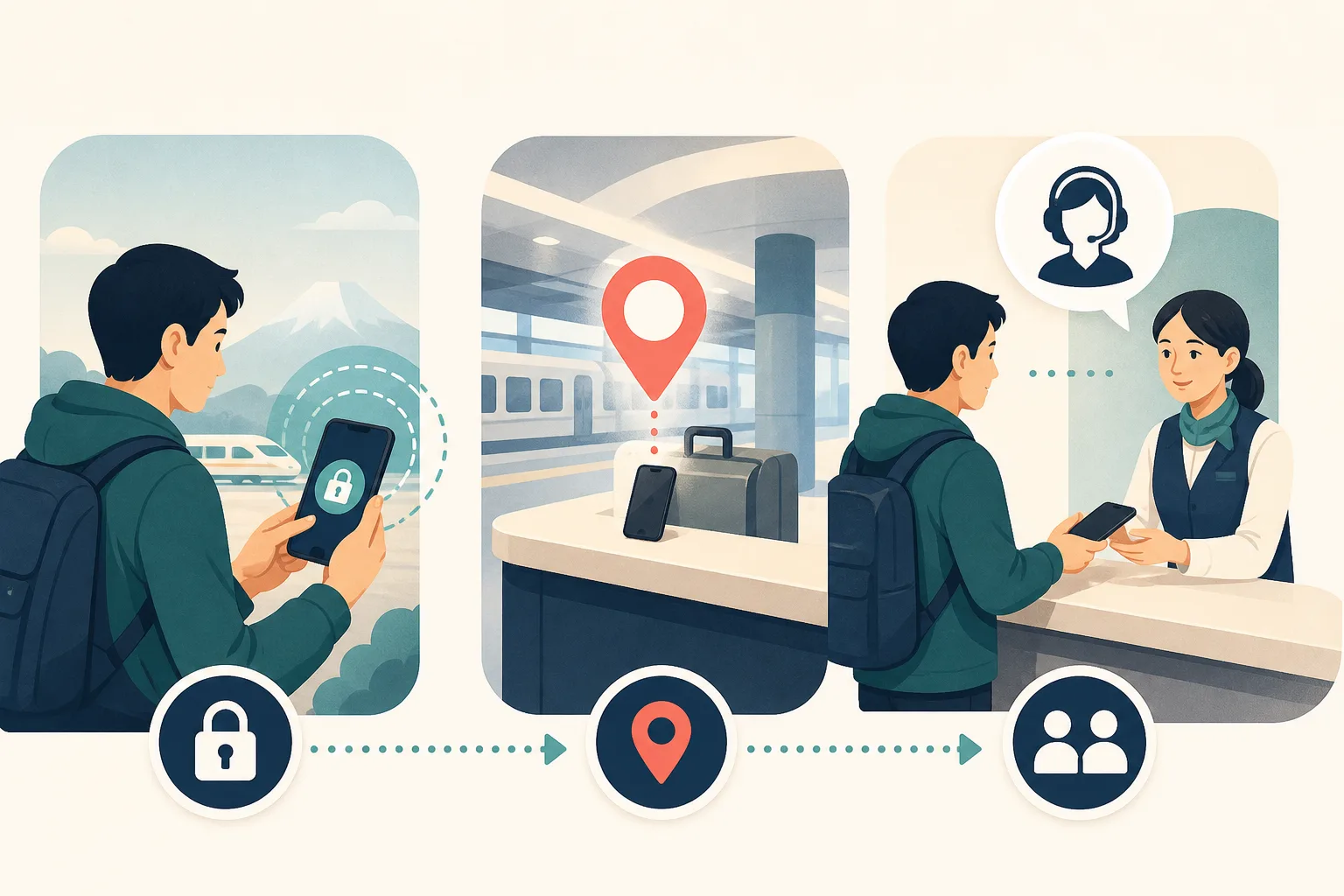
Secure the phone and the accounts first, then identify the likely holder. Use Apple Find My or Google's Find Hub to mark the device lost and record a safe location clue, but do not approach a person or enter a private place based only on GPS. Contact the mobile carrier and card issuers, then report the loss to the facility or railway if you know where it happened; use police for a street loss or an unknown location.
Official wording: immediately contact the issuing institutions or the cell phone operator
Need help contacting the holder in Japanese?
We can review the likely facility, contact up to five selected places in Japanese, and keep you updated. The start fee is $19.
Start a $19 requestAI / MCP OPTION
Want an AI assistant to prepare this request?
A compatible AI client can use the authenticated MCP connection to help organize the item details and show your own case status. Google sign-in, photos, consent, and payment remain in the secure browser.
At a glance
Secure
Mark the iPhone or Android device lost and protect account access.
Locate
Use the map as a clue, not permission to confront anyone or enter a private place.
Report
Contact the carrier, issuer, facility, railway, or police route that controls the location.
Recover
Confirm ID, proxy, domestic delivery, and privacy requirements before handoff.
What to do
- 1
Lock and secure the device
Use Apple Find My or Google Find Hub, mark the phone lost, protect account access, and contact the carrier and card issuers.
- 2
Record a safe location clue
Save the map pin, time, battery state, and route history. Treat GPS as approximate and never confront a person.
- 3
Contact the responsible holder
Use the railway, airport, hotel, attraction, shop, or police route that controlled the place where the phone was last handled.
- 4
Plan an identity-safe handoff
Ask about ID, proxy, domestic delivery, and privacy requirements. Never share your device passcode with an unverified contact.
The first 30 minutes: protect access before searching
A phone is both a lost object and a key to email, banking, travel reservations, two-factor authentication, photos, and identity documents. Start from another trusted device or a browser. Apple says Find My can locate and lock a lost iPhone; Google says Find Hub can find, secure, or erase a lost Android device when the relevant conditions are met.
Mark the phone as lost, add a safe contact method to the lock screen, and record the last known location and time. Do not remove the device from Apple Find My simply because you have erased it; Apple warns that removing it can remove Activation Lock. For Android, understand that erasing the phone can remove the location from Find Hub and cannot be undone.
- Mark the device lost or locked before attempting a recovery visit.
- Contact the mobile carrier to suspend the line or SIM/eSIM when appropriate.
- Contact banks and card issuers if payment apps, cards, or account access are exposed.
- Change high-risk passwords from a trusted device and preserve backup codes for two-step verification.
Treat a map pin as a routing clue, not a recovery order
A location shown by Find My or Find Hub may be stale, approximate, inside a large station, or affected by GPS, Wi-Fi, and indoor conditions. It can help you decide whether to contact an airport, hotel, railway, attraction, shop, or police office. It does not prove that the phone is currently with that organization or a particular person.
Never confront a person, enter a private address, or ask a stranger to unlock the phone. If the pin suggests theft or a dangerous situation, contact local law enforcement. For a large facility, report the time, last known area, device model, case, and safe identifier through the facility's official lost-and-found route.
Choose the holder by where you lost the phone
If you know the facility, contact it first: a train operator for a train or station, an airport or airline for the relevant airport or aircraft area, a theme park for a park area, a hotel for a room or lobby, and a shop or restaurant for its premises. If you lost it on the street or cannot identify the place, the National Police Agency points travelers to a police Lost Property Report route.
When the phone is a Japanese carrier device, the police may request that the carrier notify the owner after the phone is reported. This does not replace your own carrier contact. Keep the IMEI or serial number, model, color, case, wallpaper description, and any safe proof of ownership ready.
A phone has stronger privacy rules than an ordinary bag
A holder may need to verify identity before releasing a phone, and a carrier or police office may have its own notification and collection process. Do not offer the device passcode to a supposed finder. Do not ask an intermediary to access private messages or photos. A legitimate recovery should preserve privacy while proving ownership through the holder's required documents.
If you are overseas, ask whether a Japanese recipient, proxy, or domestic shipment is possible. The answer depends on the railway, airport, hotel, police office, carrier, and the device's shipping restrictions. Our service can translate and route the inquiry, but cannot unlock the phone, access its data, or override an identity check.
When to stop searching and focus on account safety
If the phone is offline, the location is not updating, or you cannot identify the holder, keep the device locked and continue account protection. Save screenshots of the last location, preserve the case details, and file the relevant facility or police report. The National Police Agency says a Lost Property Report is used for matching when property is found, not as a search-and-investigation order.
If the phone is recovered, change any credentials you exposed, review account sessions, check payment activity, and remove temporary contact details from the lock screen. If it is not recovered, follow the carrier and platform steps for replacement, remote erase, and account recovery.
Frequently asked questions
Should I erase my lost iPhone immediately?
Secure it first and consider whether continued location is useful. Apple says remote erase cannot be undone and that you should not remove the device from Find My because that can remove Activation Lock.
Can I use a GPS pin to confront someone?
No. A pin can be stale or approximate. Use it to identify a likely facility and contact the official holder or local police; do not enter a private place or confront a person.
What if I lost the phone on a Japanese train?
Contact the operator that ran the train with the date, time, line, direction, car, seat, phone model, case, and safe identifying details.
What if my phone contains a Japanese SIM or card apps?
Contact the carrier and card issuers immediately to suspend service or protect accounts. A lost-and-found report does not replace account-safety steps.
Can a recovery service unlock my phone?
No. A legitimate recovery process should not need your passcode or private content. We can help contact the holder in Japanese while preserving the device's privacy.
Official sources
Rules can change. Confirm the latest requirements with the holder and carrier.
Related recovery guides
Want us to contact the facility?
We can contact up to five selected facilities in Japanese. The start fee is $19; a size-based success fee is due only after a matched item reaches us.
Start a $19 request